
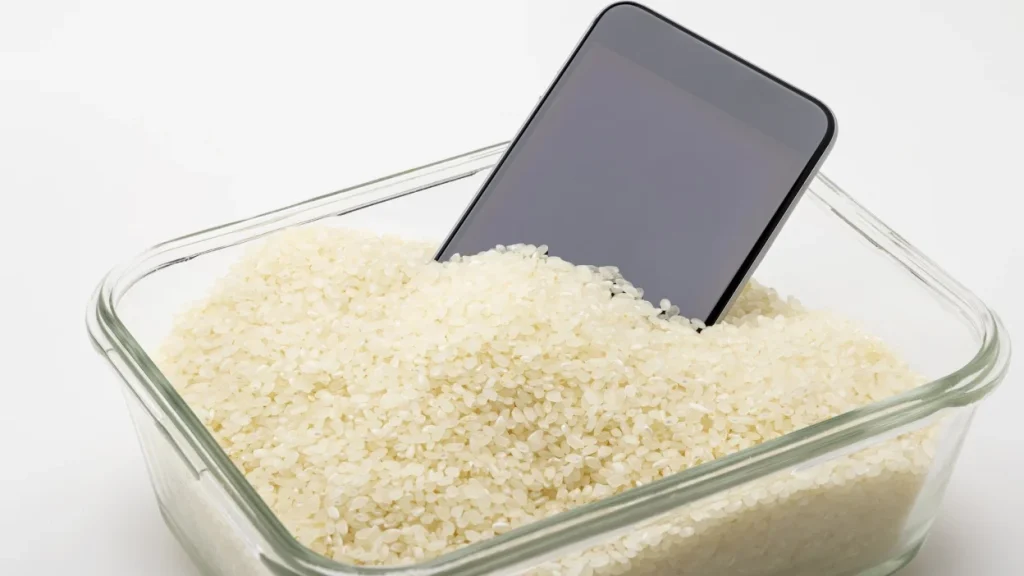
Accidents happen and one of the most common tech disasters is dropping your phone in water. Whether it fell in the sink, got splashed at the beach, or took a dive in the toilet (hey, no judgment), it’s a stressful moment. Many people turn to the rice method as a quick fix for a water-damaged phone. But does it really work? Let’s break down how to use rice for phone water damage, the steps to take immediately, and whether it’s truly the best solution.
Why Acting Fast Is Important
Water and electronics are a bad mix. Once liquid gets inside your phone, it can short-circuit the internal parts, corrode the connections, or even damage the battery permanently. The sooner you act, the better your chances of saving your phone.
Step-by-Step Guide: Using Rice Method to Fix a Wet Phone
The rice method is simple, it uses uncooked rice to absorb moisture from your device. But the key to success is doing it right.
Step 1: Turn Off Your Phone Immediately
If your phone is still on, power it down. This helps prevent short-circuiting and further damage.
Step 2: Remove Accessories and SIM Card
Take off the case, remove any cables, and pop out the SIM card and memory card.
Step 3: Dry the Outside First
Gently shake the phone to remove excess water. Use a soft, lint-free cloth or paper towel to wipe it down. Avoid using heat sources like hairdryers, as they can push moisture deeper into the phone.
Step 4: Place Your Phone in Uncooked Rice
Fill a container or a zip-lock bag with uncooked rice and fully submerge your phone in it. The rice will absorb moisture from the phone over time.
Step 5: Wait (and Be Patient)
Leave your phone in the rice for at least 24–48 hours. The longer, the better. Resist the urge to check it every hour, patience can make the difference between saving your phone and saying goodbye.
Step 6: Power On and Test
After the waiting period, take your phone out and check for any remaining moisture. If it looks dry, turn it on and test its functions, screen, sound, charging, and camera.
Does the Rice Method Always Work?
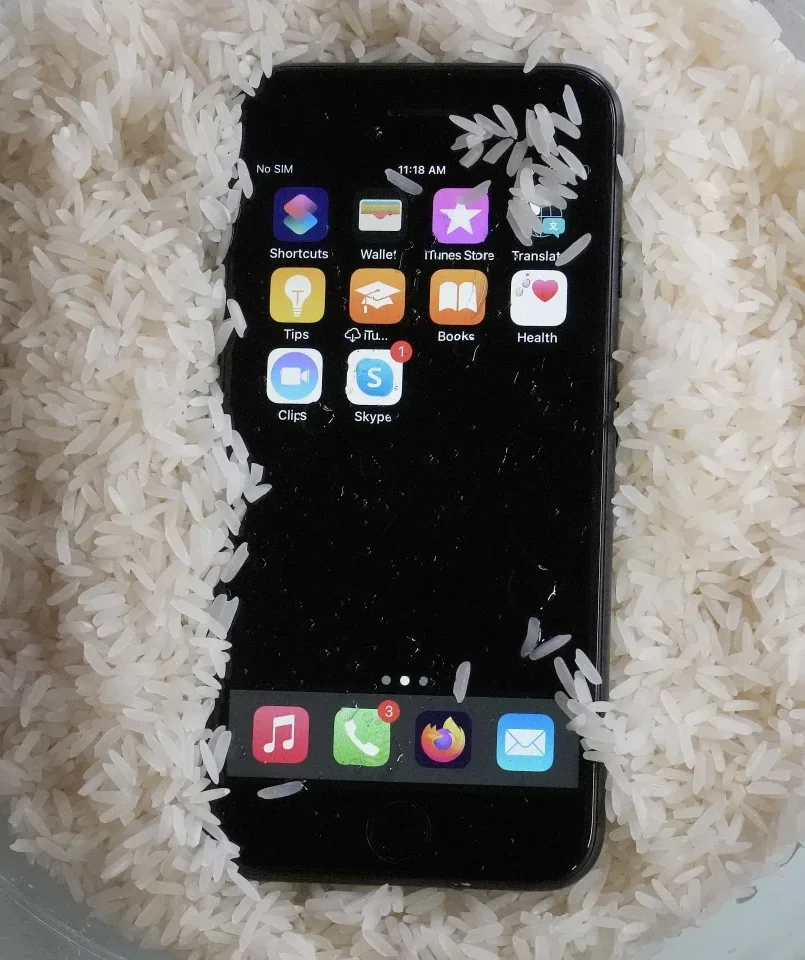
The rice method can work in some cases, but it’s not foolproof. Rice absorbs moisture slowly and may not reach water trapped deep inside your phone. In fact, tech experts often recommend using silica gel packets (like the ones found in new shoe boxes) as they absorb moisture more efficiently.
If your phone still shows signs of damage after using the rice method such as a blank screen, distorted sound, or charging issues, it’s best to bring it to a professional phone repair shop like Techtronics.
Other Tips to Save a Water-Damaged Phone
- Avoid charging your phone right after it gets wet.
- Don’t press any buttons unnecessarily, as this may push water deeper inside.
- Keep your phone in a dry, warm environment (but not hot).
- If you dropped your phone in saltwater or dirty water, rinse it gently with fresh water before drying, salt and minerals can cause extra damage.
When to Skip the DIY Fix and See a Professional
If your phone:
- Doesn’t turn on after the rice method
- Has screen discoloration or flickering
- Won’t charge or hold a charge
- Feels unusually hot when charging
…it’s time to get professional help. Techtronics offers expert water-damage phone repair in NYC, with fast turnaround times and skilled technicians who can diagnose and fix the problem before it gets worse.
FAQs About Water-Damaged Phones
Q1: How long should I leave my phone in rice?
A: Ideally, 24–48 hours. The longer you wait, the better the moisture removal.
Q2: Can I use instant rice instead of regular rice?
A: Yes, instant rice works faster because it’s more porous, but regular uncooked rice can work too.
Q3: Will the rice method fix all water damage?
A: Rarely. If the water has already caused internal damage, rice is not enough.
Q4: Should I use a hairdryer to speed up the process?
A: No heat can damage internal parts and push water deeper inside.
Q5: Is it safe to charge my phone after it gets wet?
A: Wait until you’re certain it’s completely dry. Charging a wet phone can cause further damage.
FAQs About Techtronics
Q1: What services does Techtronics offer?
A: Techtronics provides phone repair, laptop repair, gaming console repair, and other gadget services including water-damaged phone recovery.
Q2: Where is Techtronics located?
A: Techtronics has multiple locations in New York City and is open 7 days a week.
Q3: Do I need an appointment?
A: Walk-ins are welcome, but scheduling an appointment can help ensure faster service.
Q4: How fast is Techtronics’ water-damage repair service?
A: Many repairs can be completed within the same day, depending on the damage.
Q5: Does Techtronics offer a warranty?
A: Yes, Techtronics provides a warranty on most repairs for your peace of mind.
Final Tip
The rice method is a popular home remedy for a phone dropped in water and it can work but it’s definitely not guaranteed. If you want the best shot at saving your phone, combine quick action with professional help from Techtronics.
Top-tier Smartphone, Computer, Laptop Repair, and Data Recovery Services in NYC
At Techtronics, we offer professional, reliable, and fast service at competitive prices. Techtronics specializes in all aspects of electronic repair. With certified repair specialists skilled in integrated circuit board repair.
We stand behind our work with a 60-day guarantee. If anything goes wrong, bring it back, and we’ll make it right.
Contacts
Address: 248 W 35th St, New York, NY 10001
Contact: (212) 920-6533
Email: hello@techtronicsmobile.com
Open Hours
Monday-Friday 11AM-7PM
Saturday 11AM-6PM
Sunday 12PM-6PM
Contacts
Address: 2578 Broadway, New York, NY 10025
Contact: (212) 960-8785
Email: hello@techtronicsmobile.com
Open Hours
Monday-Saturday 11AM-7PM, Sunday 12PM-7PM
Contacts
Address: 248 W 35th St, New York, NY 10001
Contact: (212) 920-6533
Email: hello@techtronicsmobile.com
Open Hours
Monday-Friday 11AM-7PM
Saturday 11AM-6PM
Sunday 12PM-6PM
Contacts
Address: 2578 Broadway, New York, NY 10025
Contact: (212) 960-8785
Email: hello@techtronicsmobile.com
Open Hours
Monday-Saturday 11AM-7PM, Sunday 12PM-7PM